Screenshots
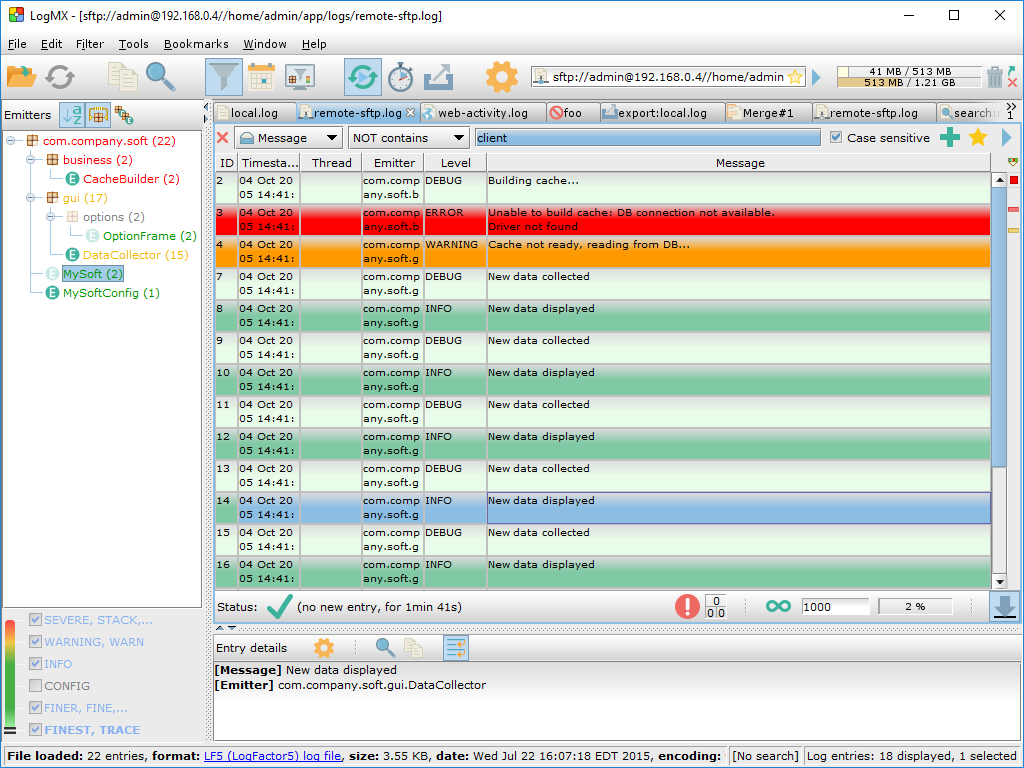
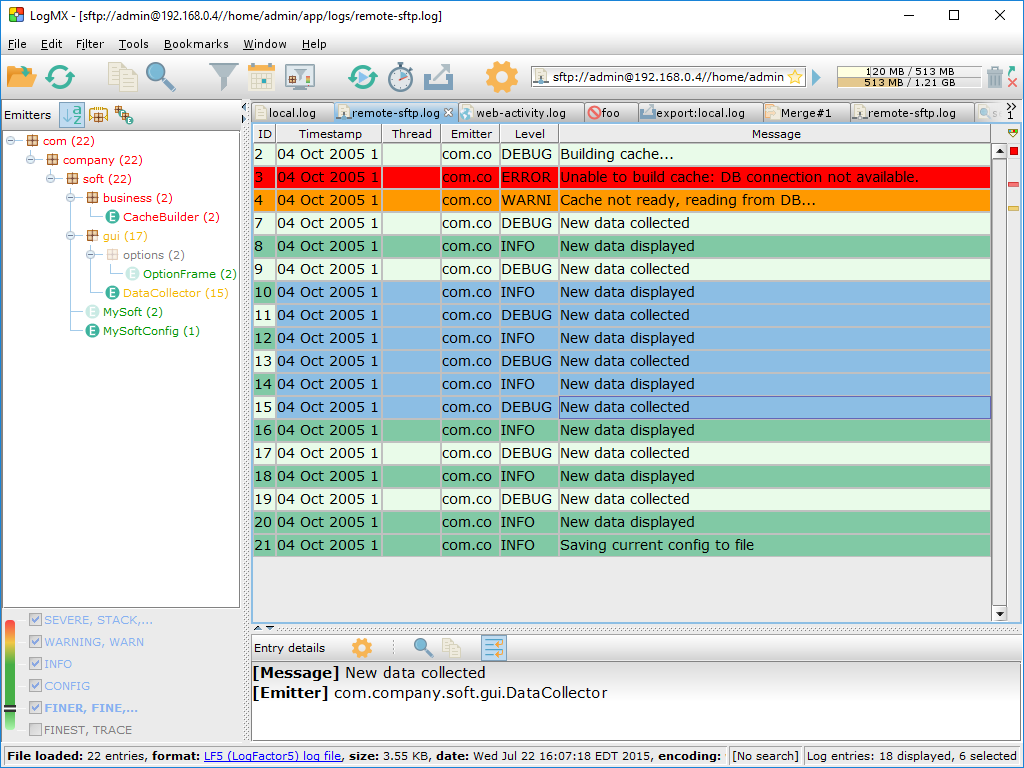
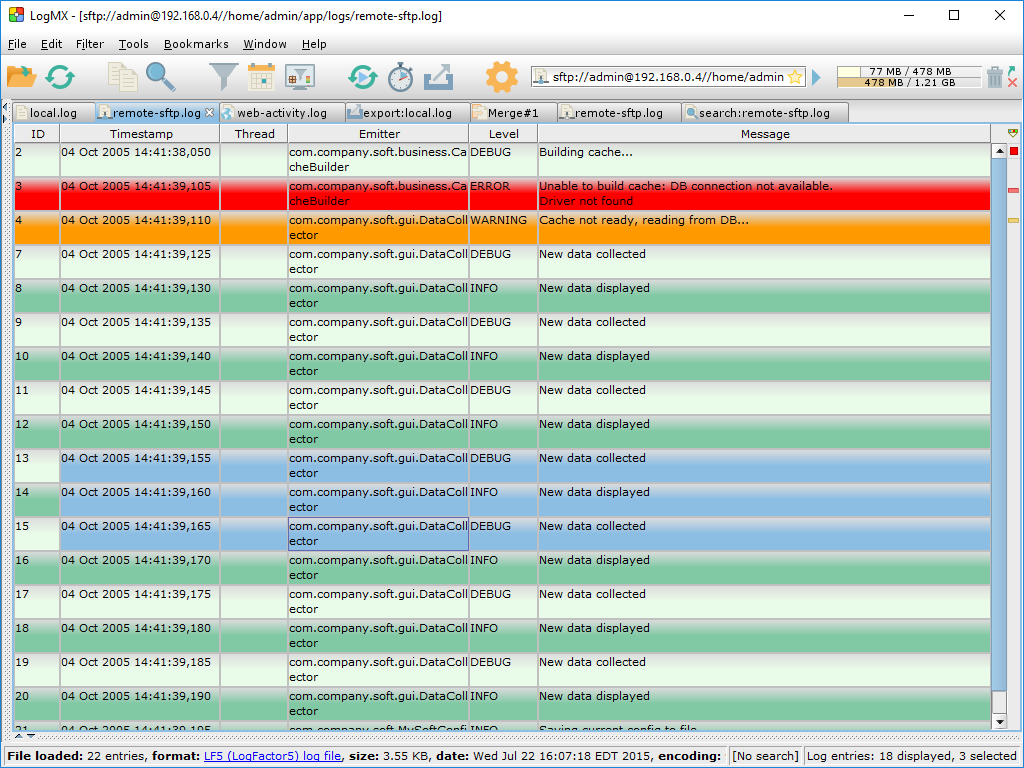
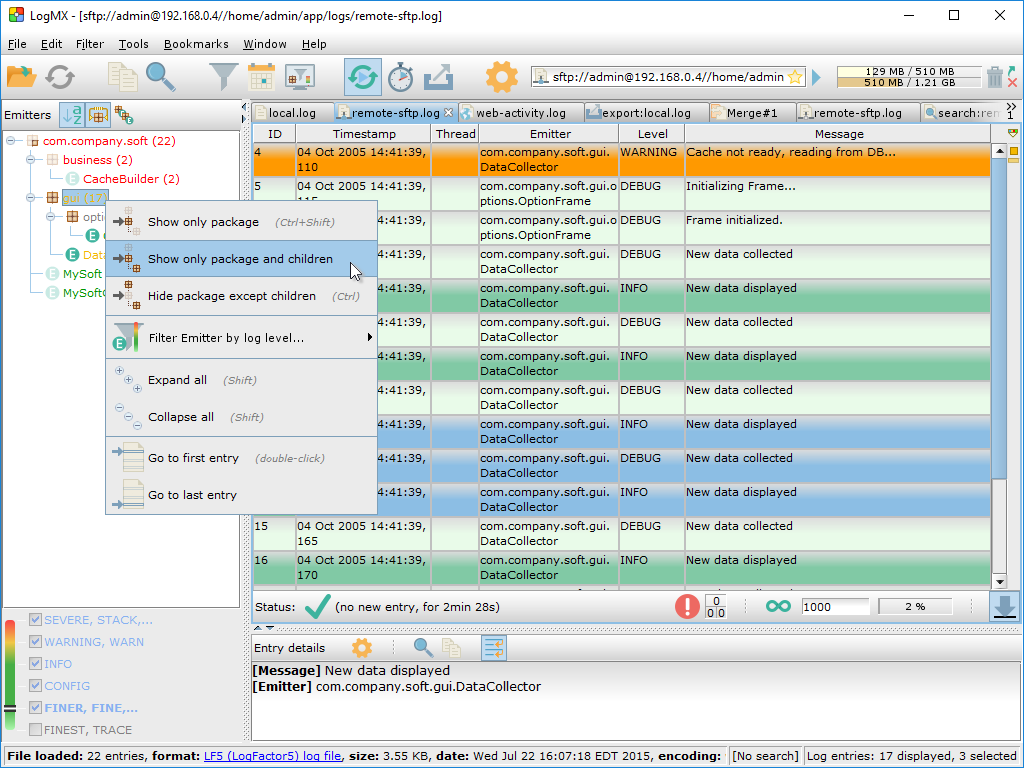
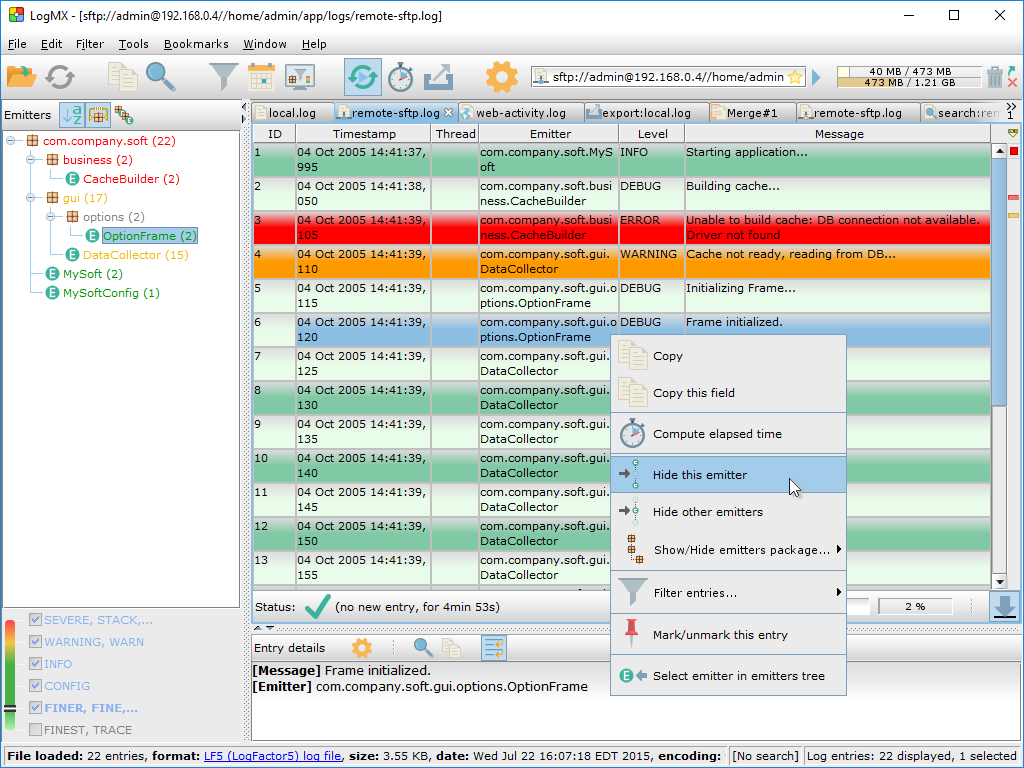
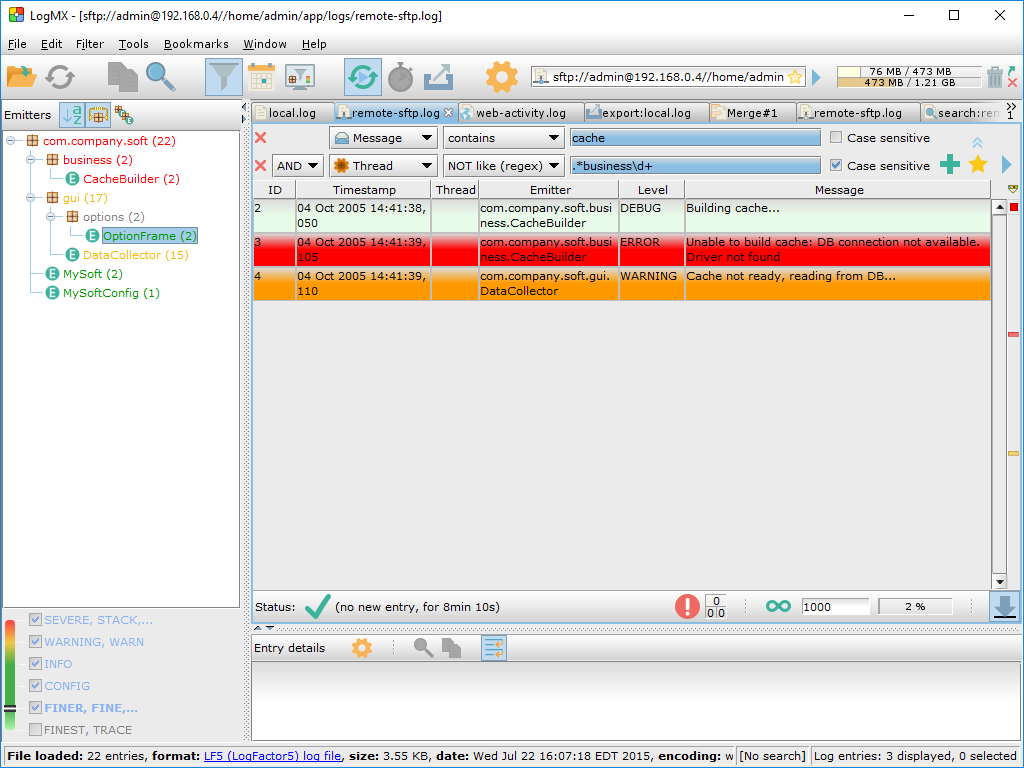
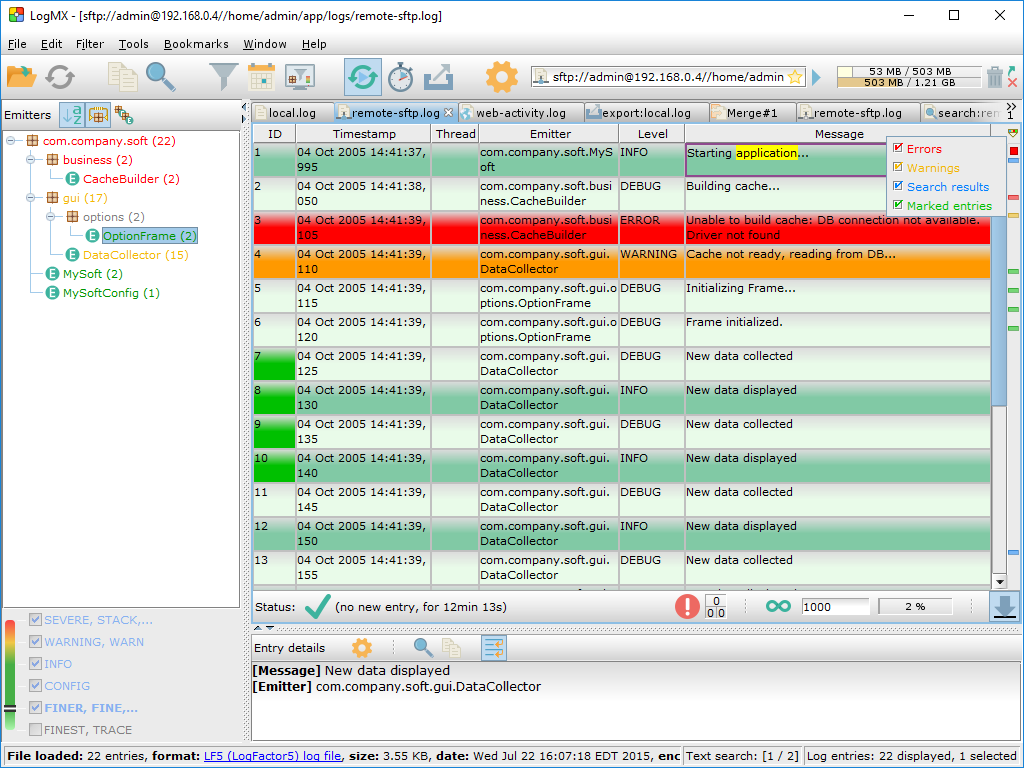
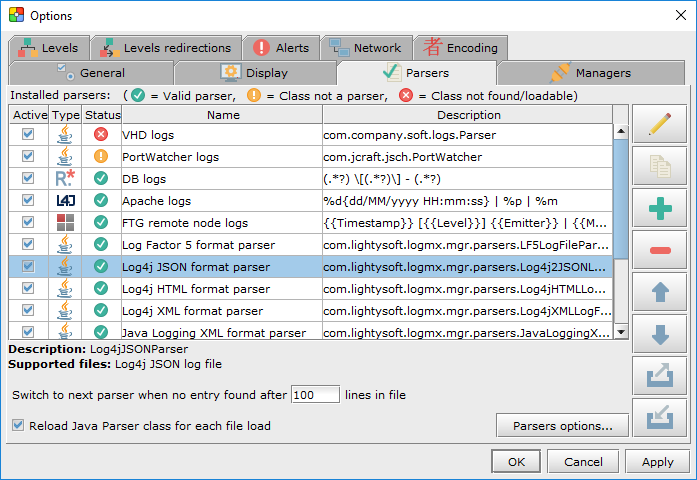
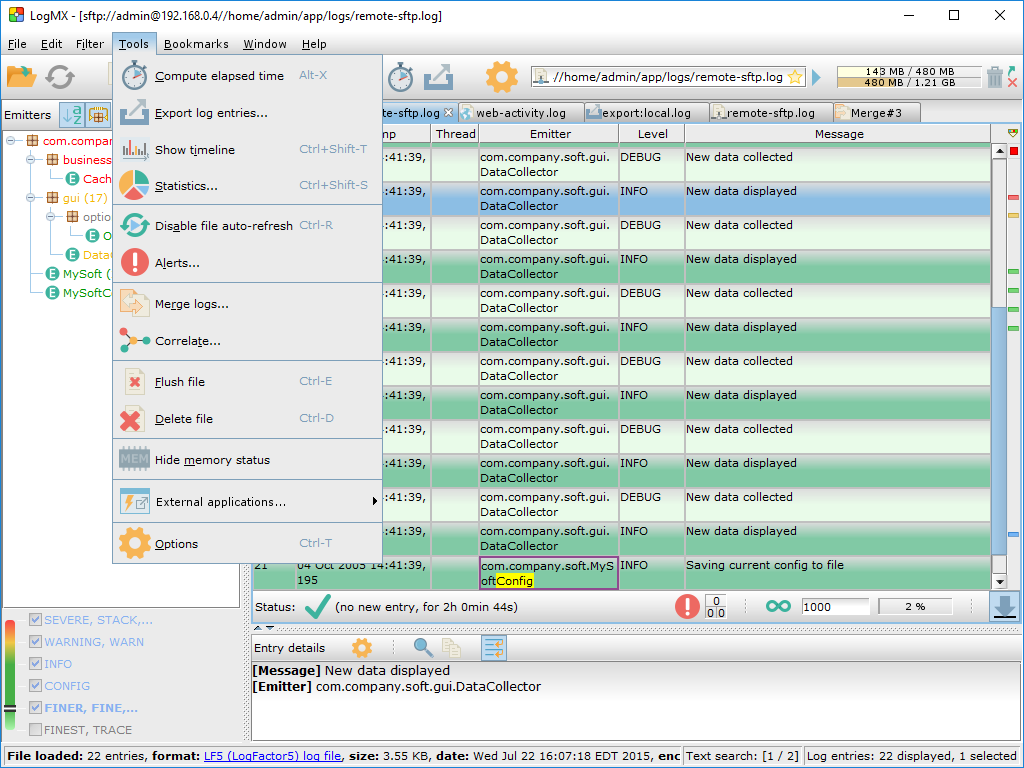
The following screenshots show some of the LogMX features.
Some of these features are included in both Evaluation and Professional versions,
but some features are available only in the Professional version.
Please check the download page for the content of each version.
Click on a screenshot to enlarge it. Section: Overview
Section: Filtering log entries
Section: Entries outline
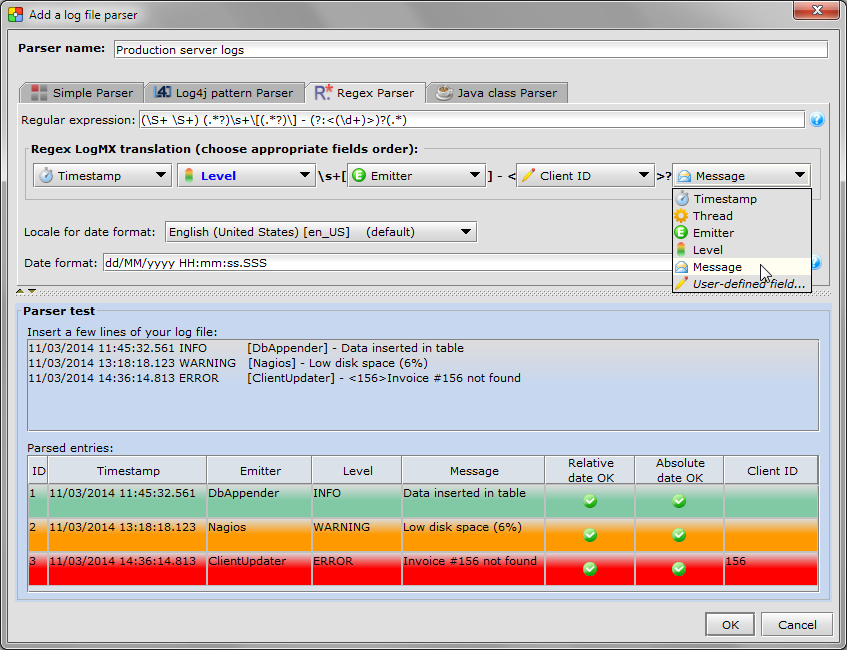
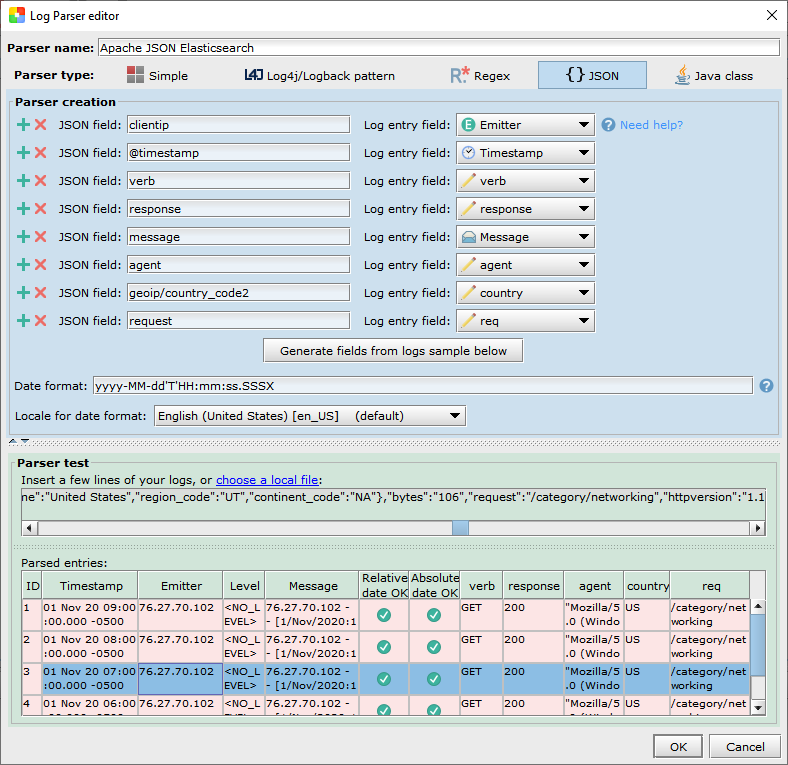
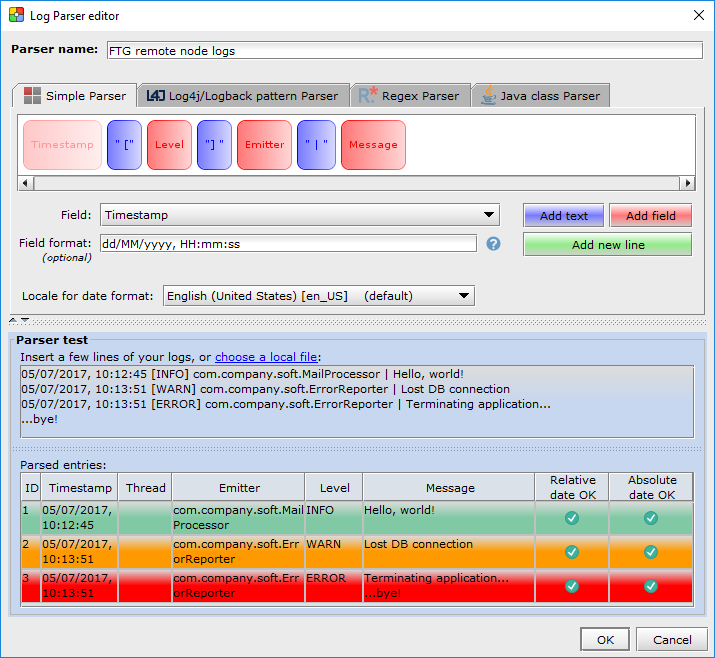
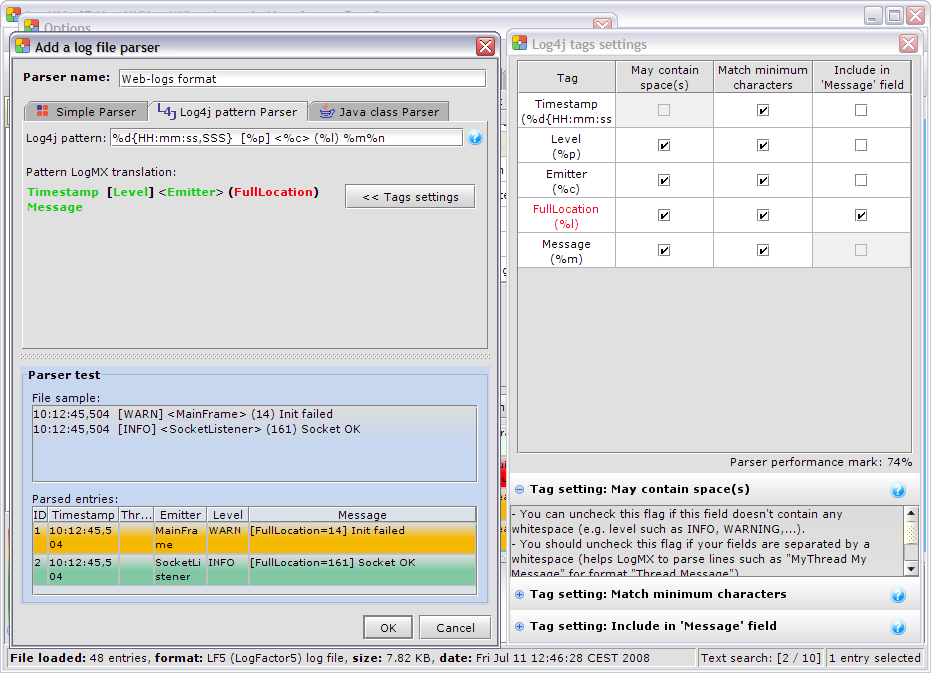
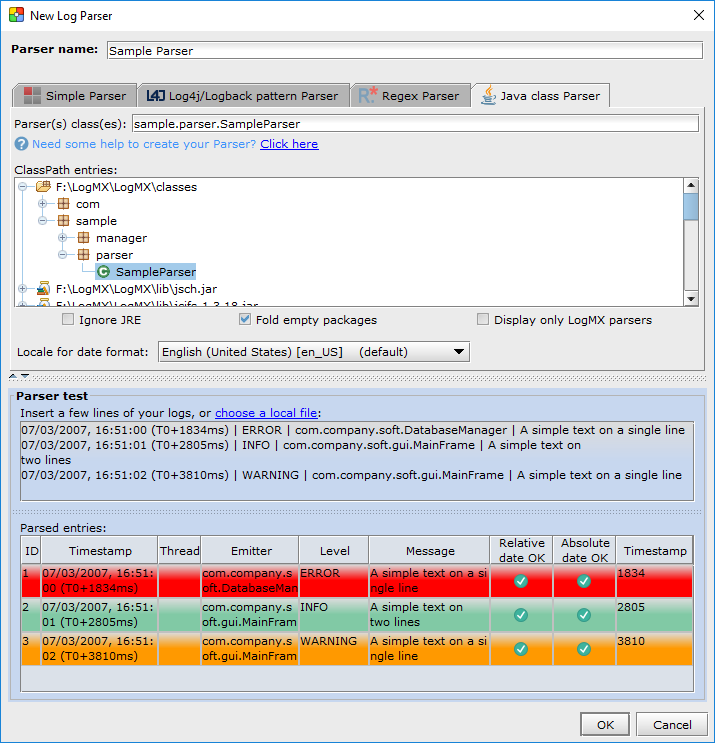
Section: Adding/Removing/Editing Parsers
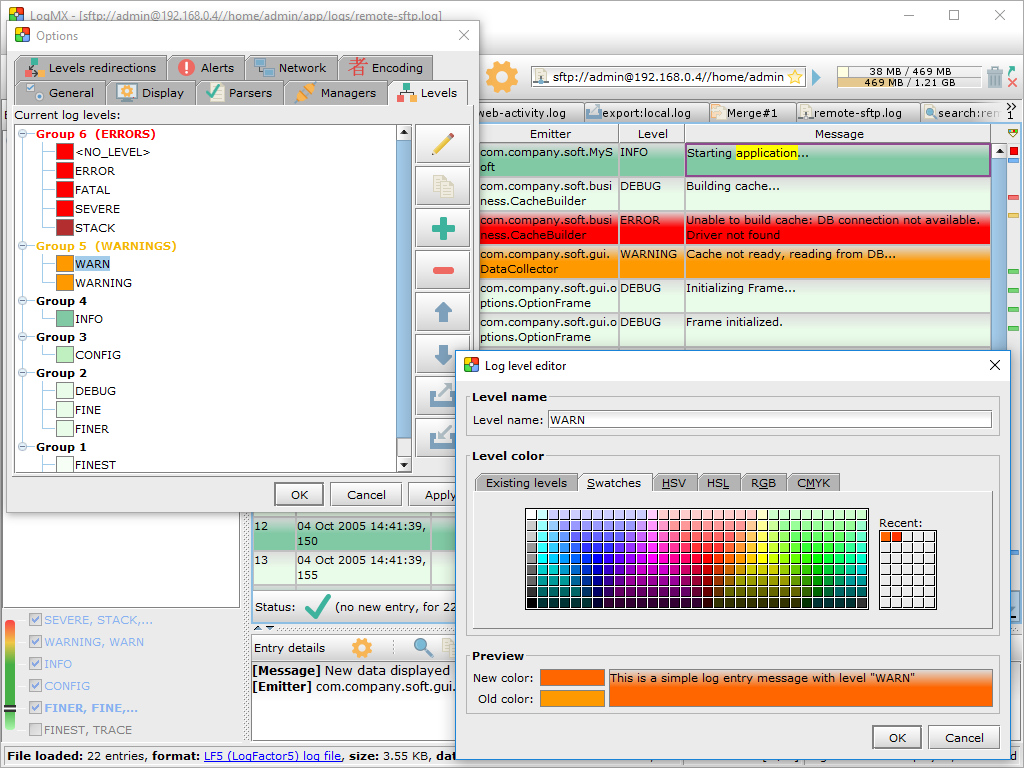
Section: Adding/Removing/Editing log levels
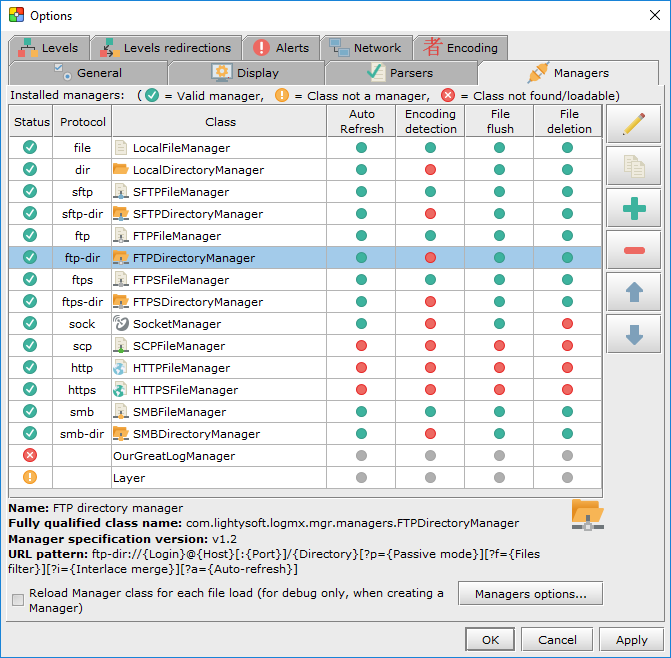
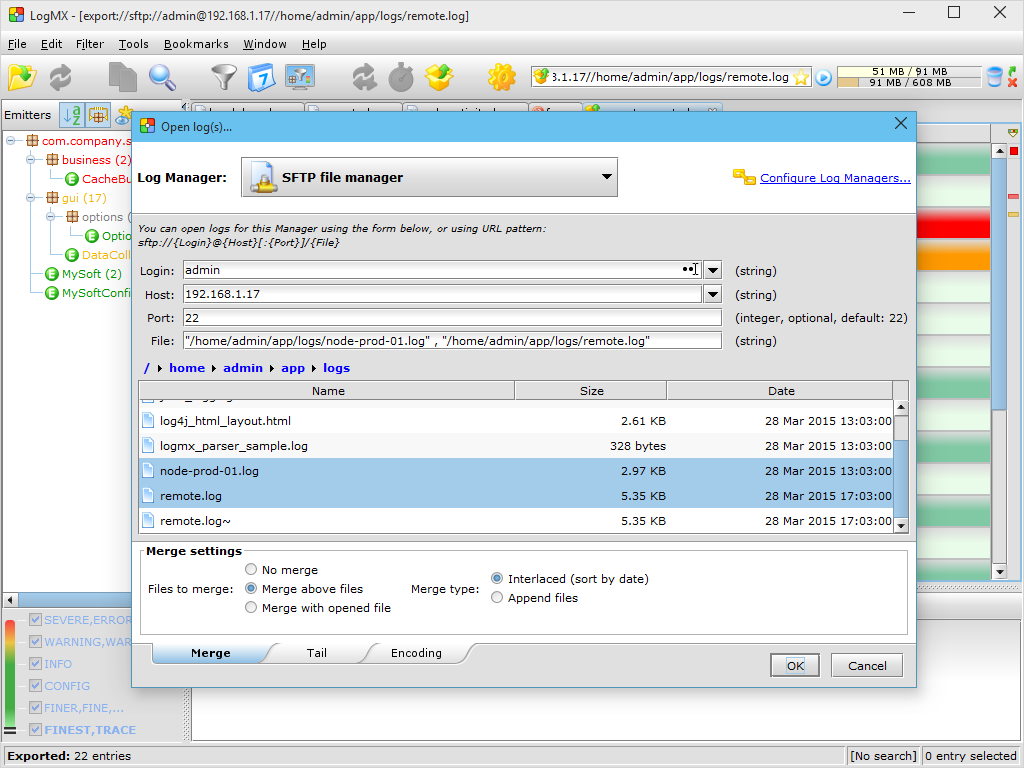
Section: Adding/Removing/Editing Managers
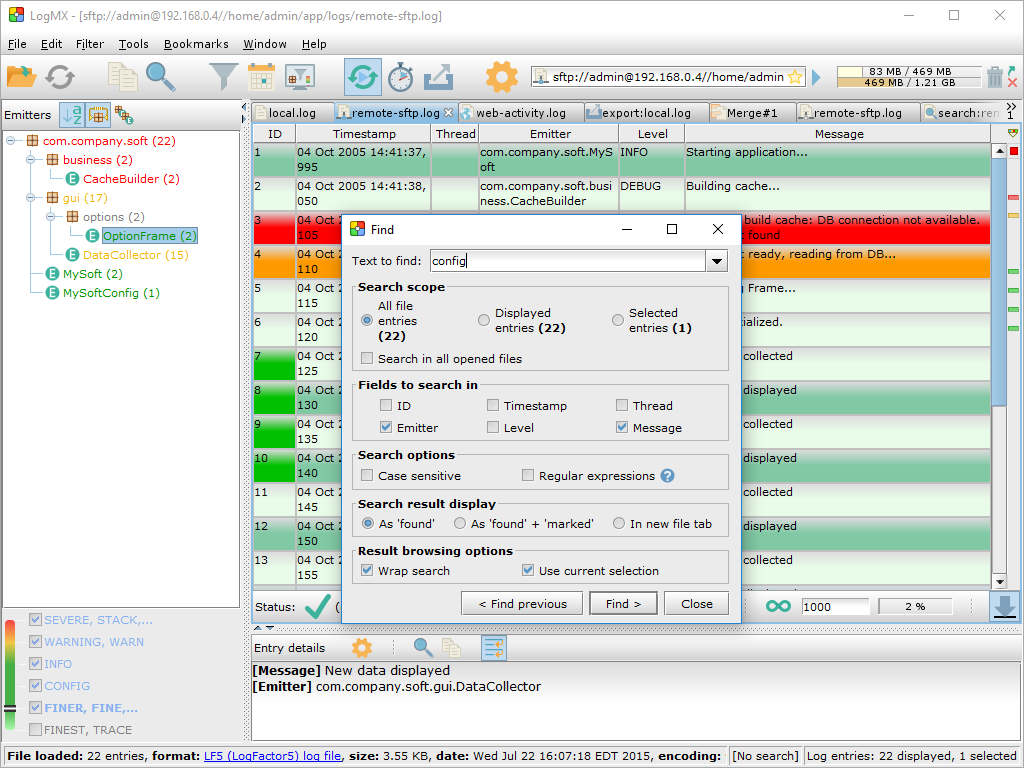
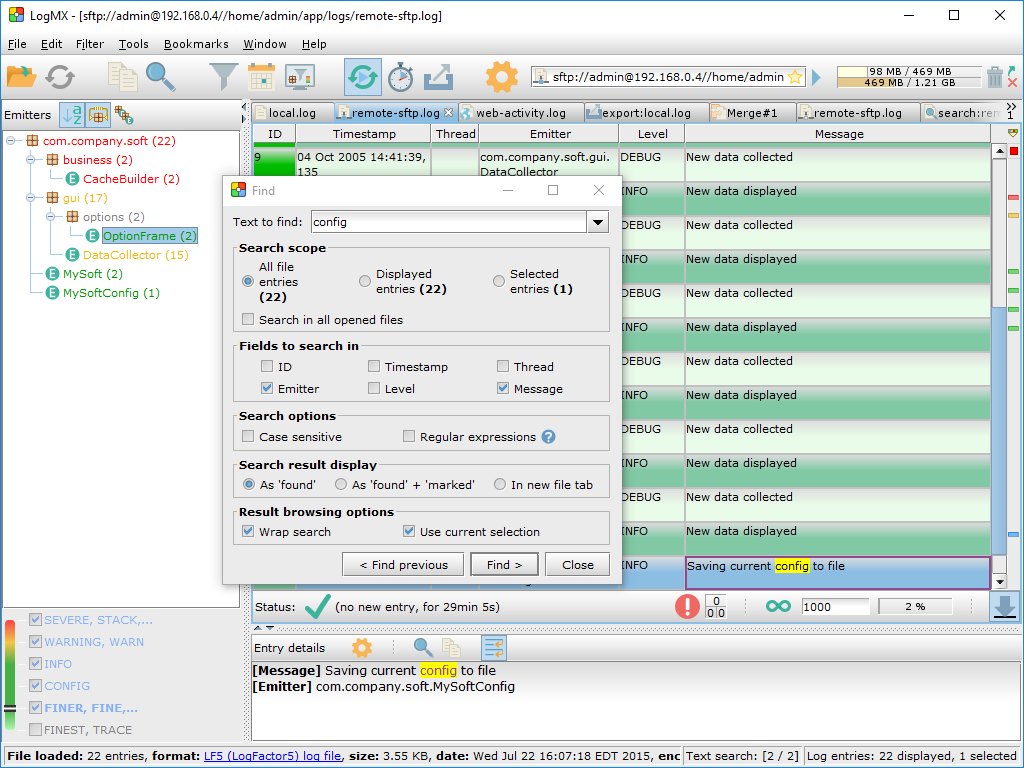
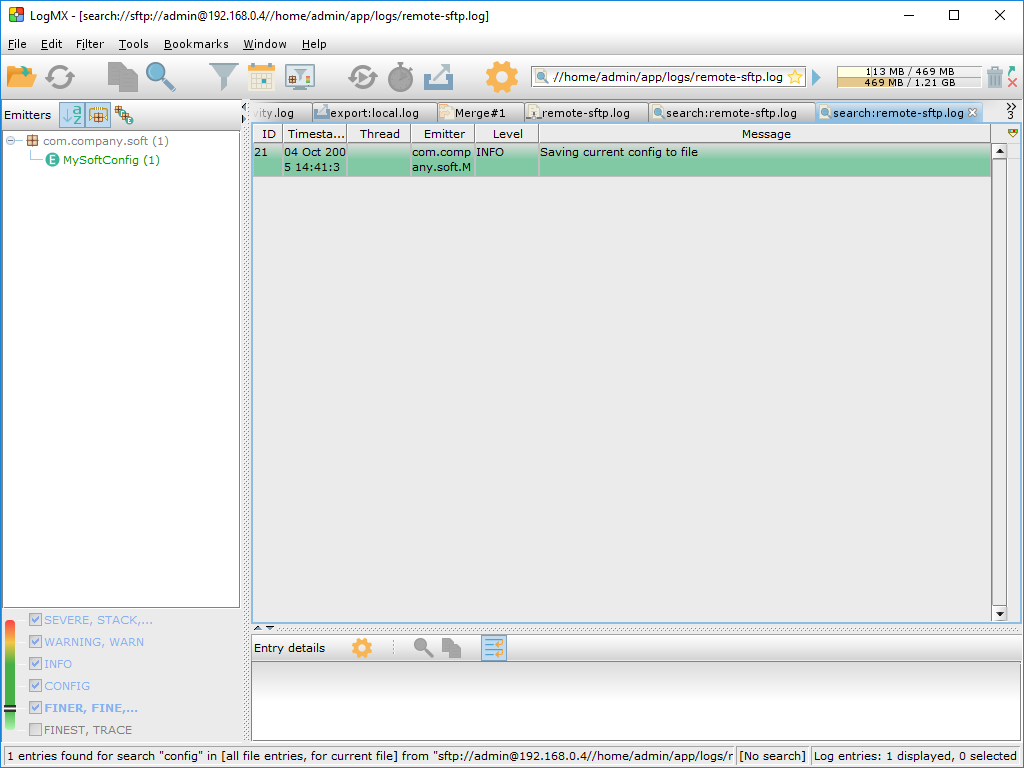
Section: Find feature
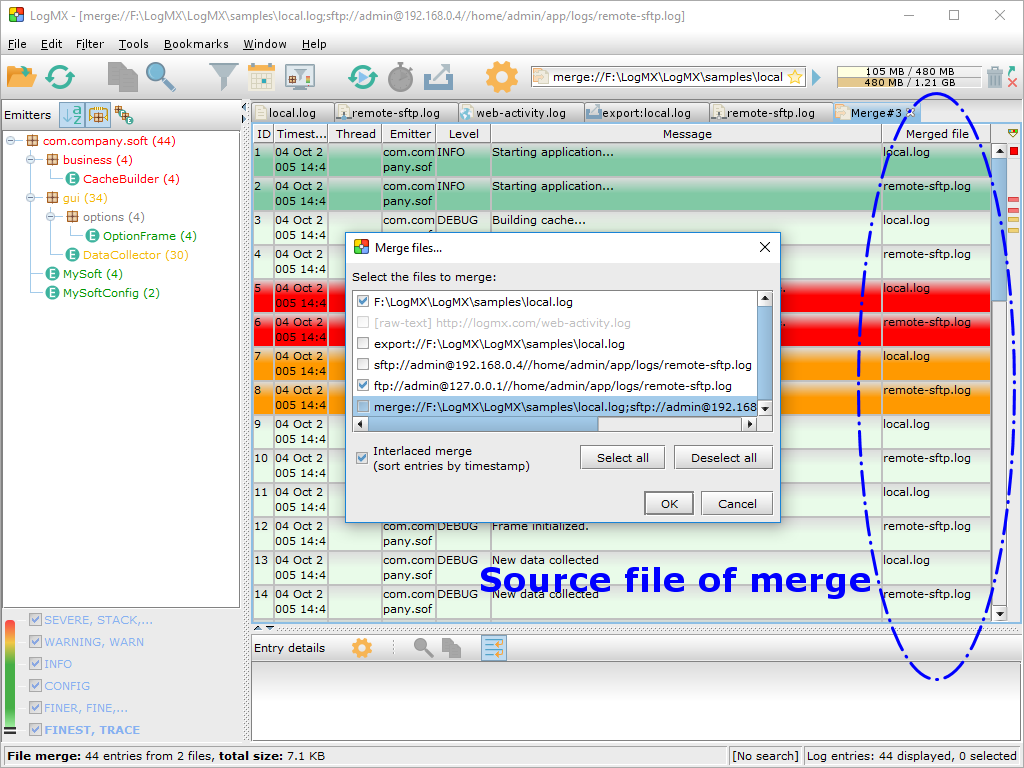
Section: File Merge
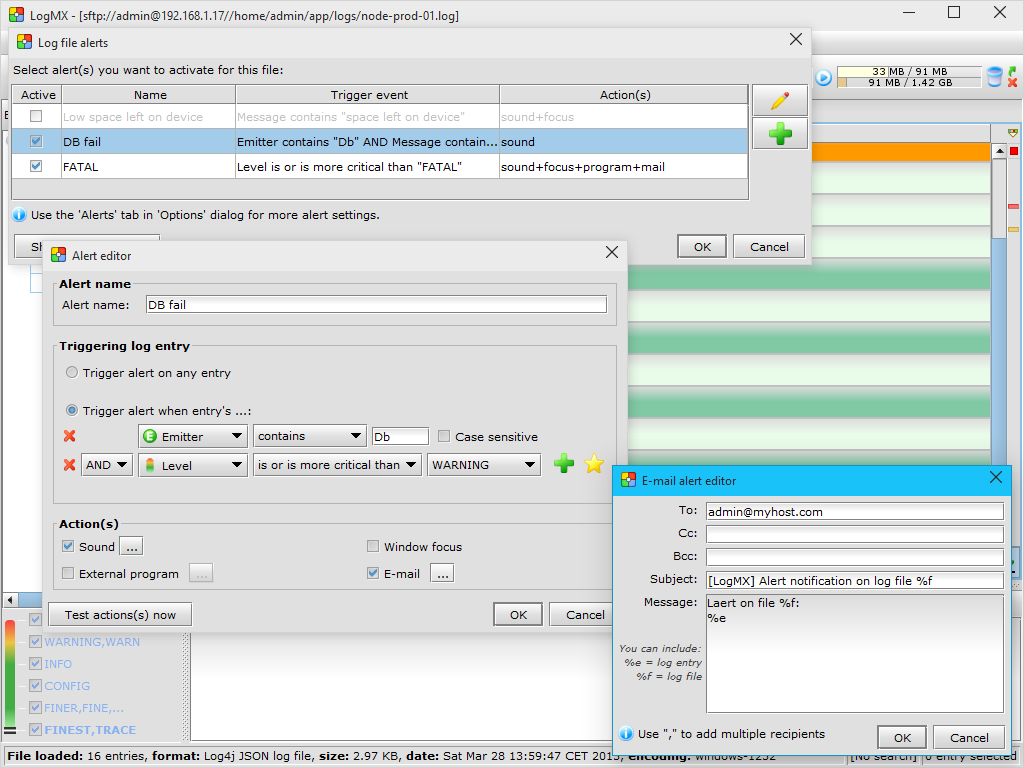
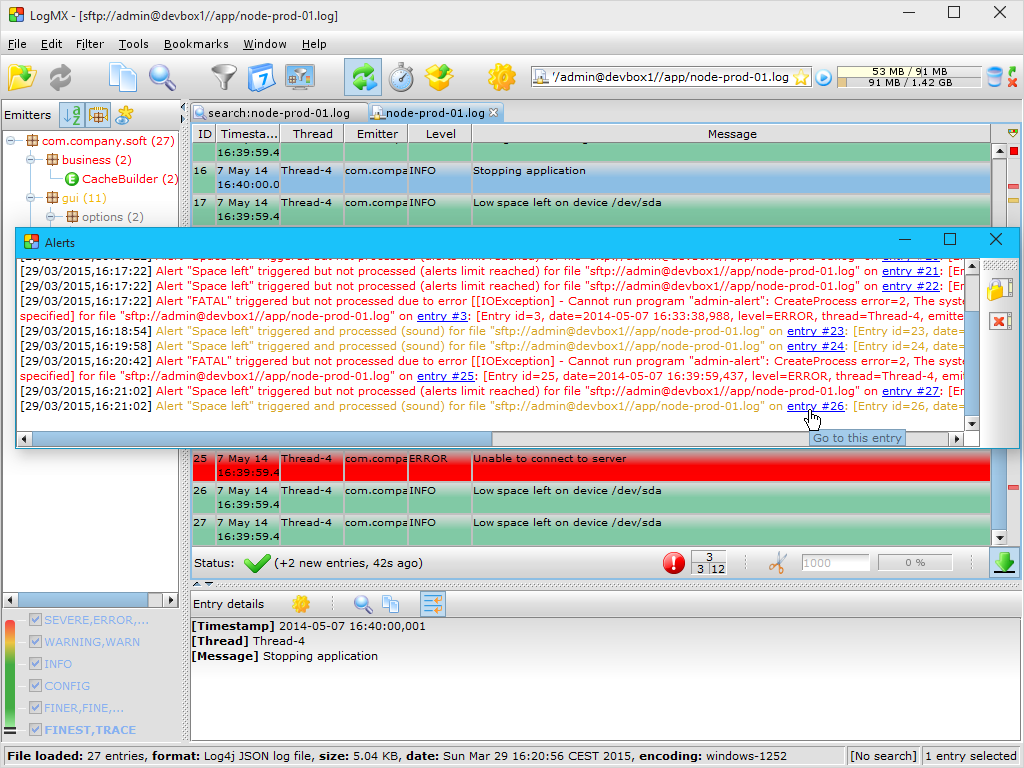
Section: Alerts / Notification
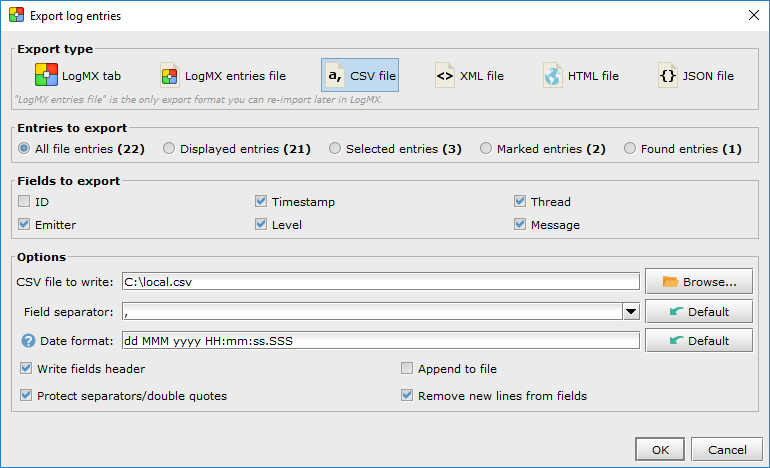
Section: Export
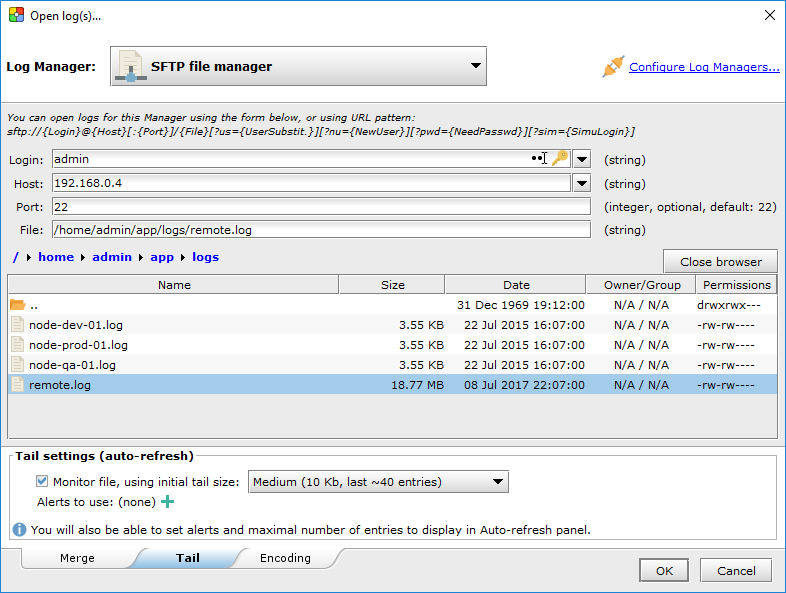
Section: Tail
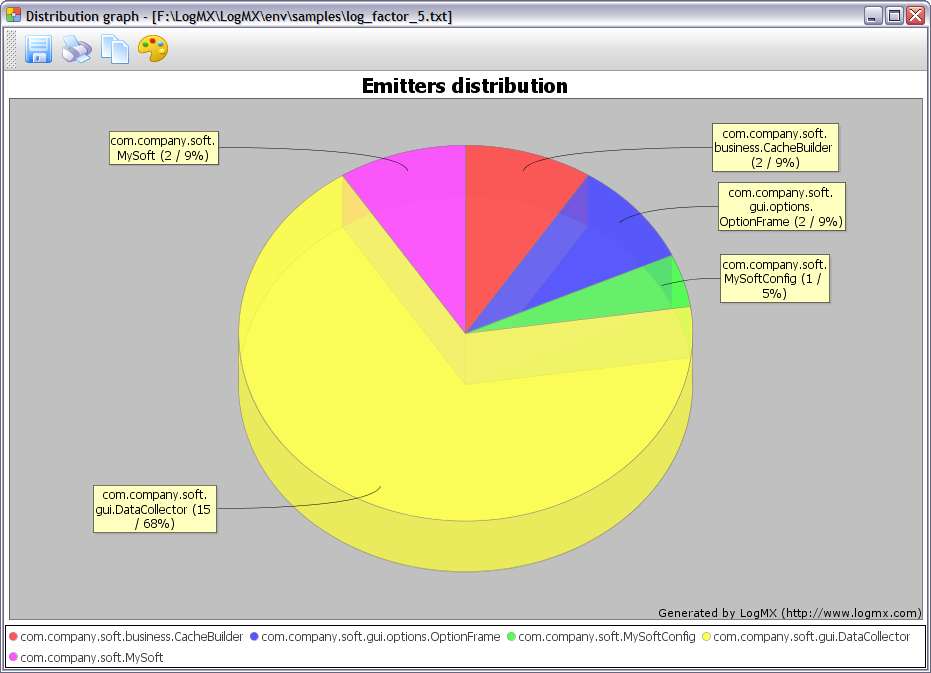
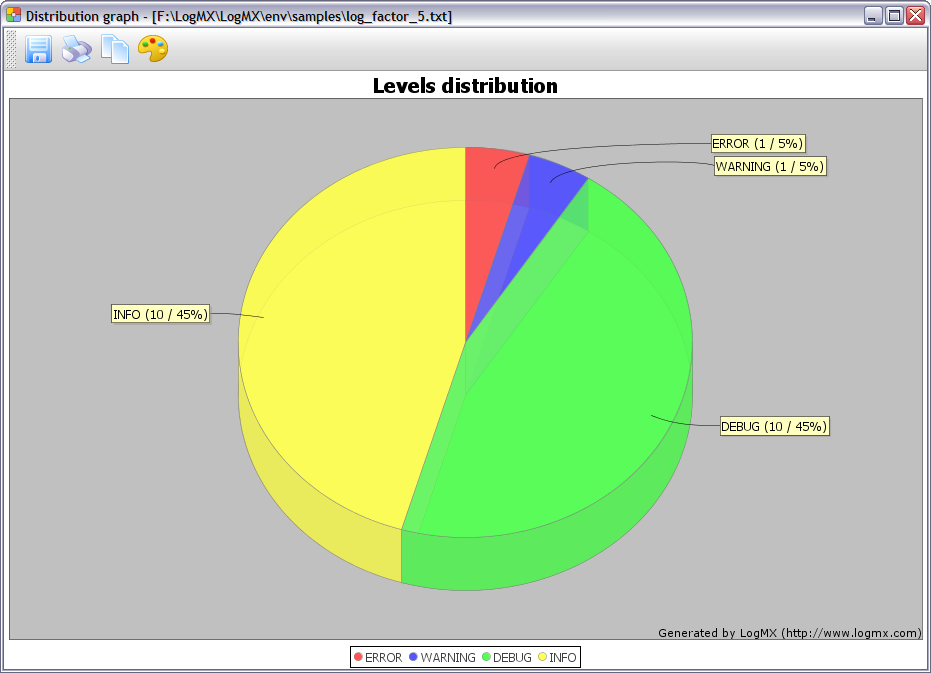
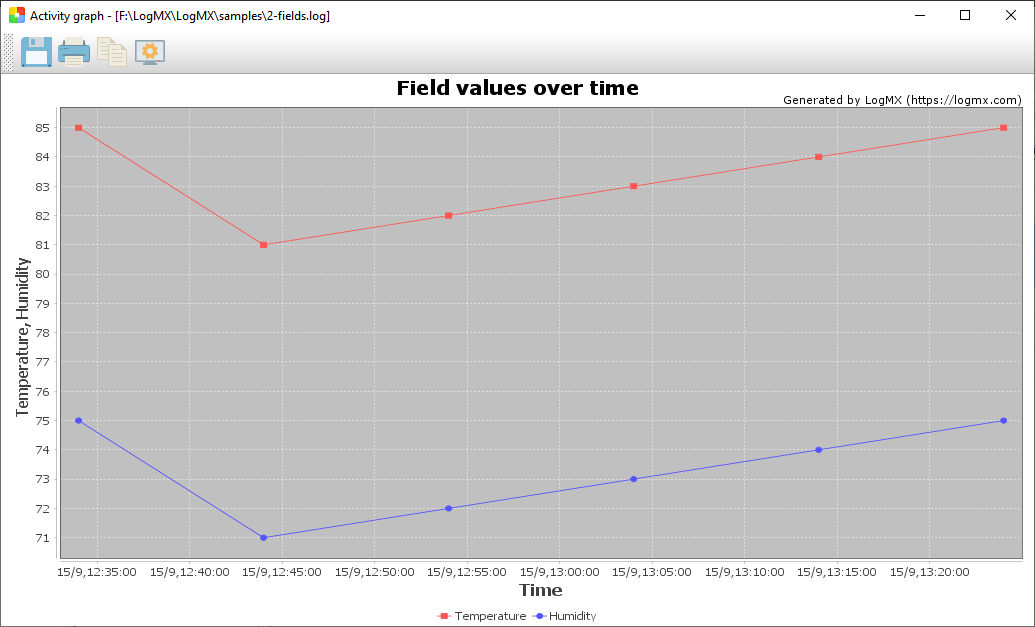
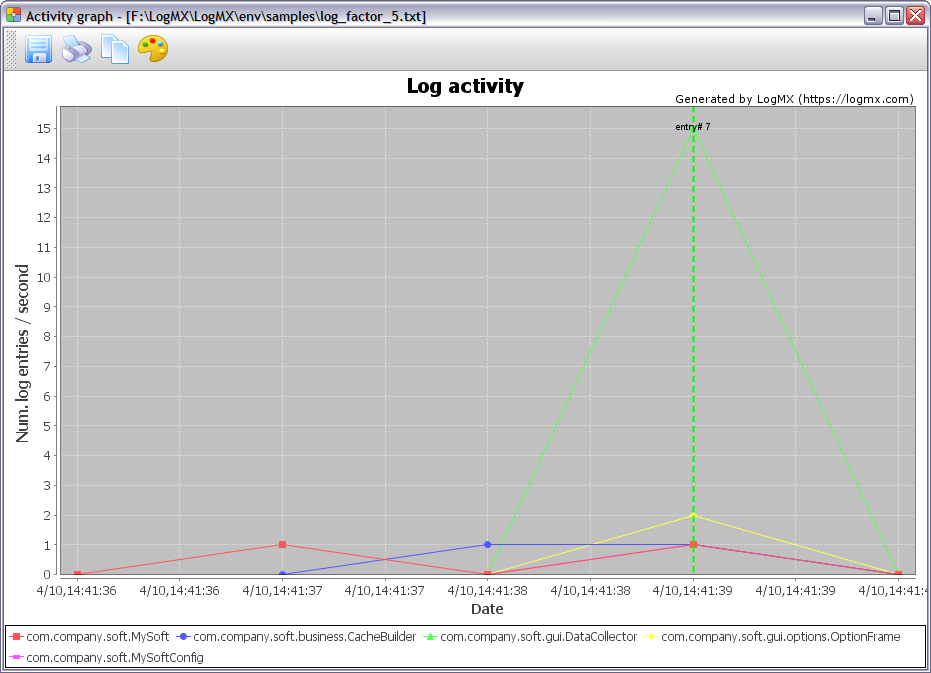
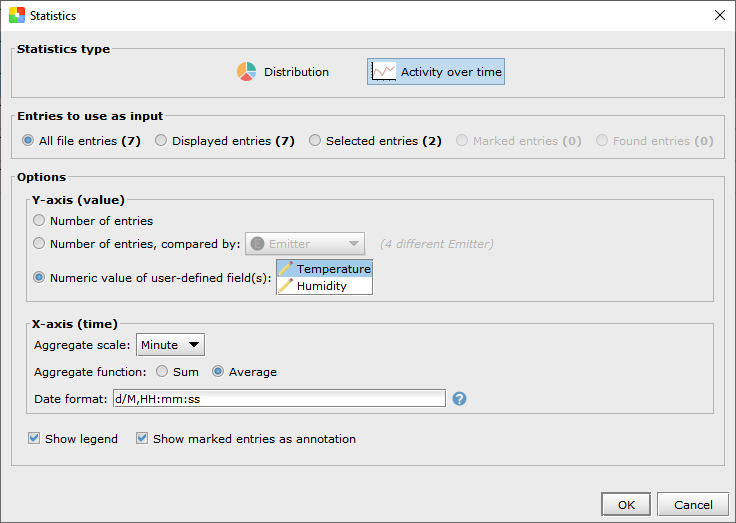
Section: Statistics
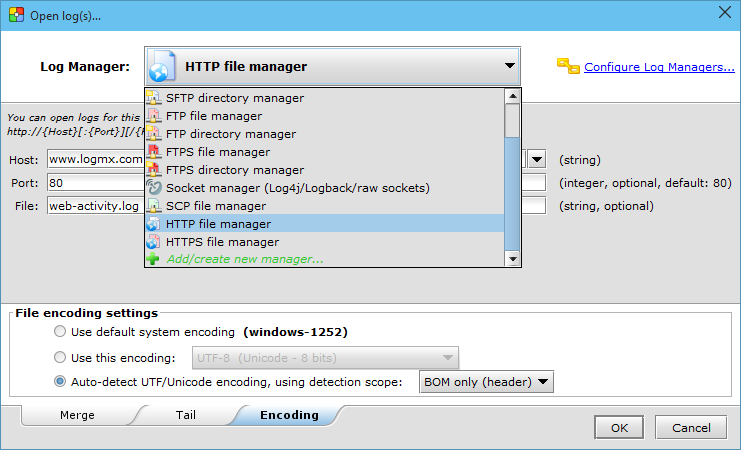
Section: File encoding
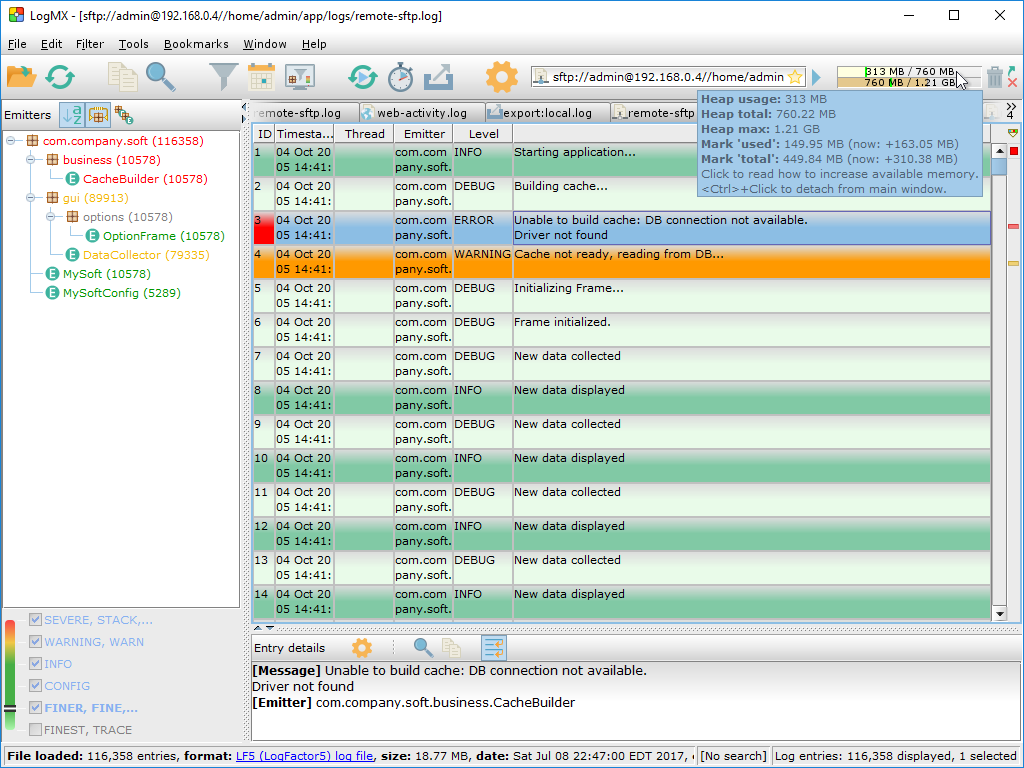
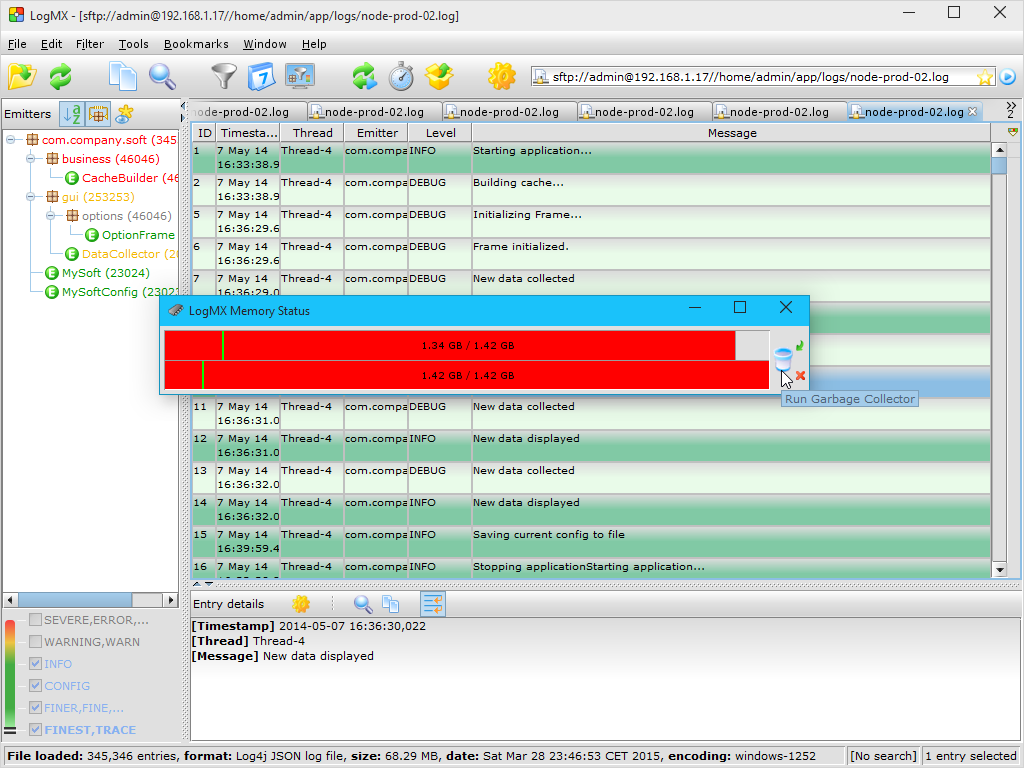
Section: Memory status
Section: Miscellaneous
To see more of LogMX, please visit our Live demo page.
|
||||||||||||||||||||||||||||||||||||||||



| Terms of use | EULA | Privacy Policy |
Copyright © 2005-2023 LightySoft. All rights reserved.